
All guides
Ask HBD about your report
What you'll do
You'll ask questions about your report, by typing or by speaking.
Step by step
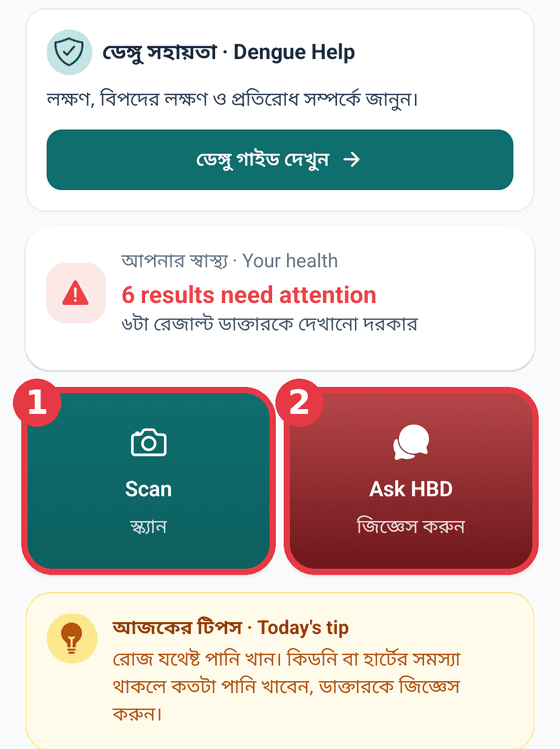
On the results page tap Ask about this report, or tap Ask HBD on Home.
Type your question in the box at the bottom, for example "Should I be worried?"
To speak, tap the mic and talk when you see Recording....
When you've finished, tap Stop and HBD writes it down.
Answers are short and simple. Tap শুনুন (Listen) under an answer to hear it.
If something seems serious, don't wait on a question: see a doctor.
Tips
- 5 questions a week on the free trial, Ask HBD and Coach together. Each one comes back 7 days after you use it.
- Be specific, for example name the test you're asking about.
- Chest pain, trouble breathing or fainting? Don't ask HBD. Go to the nearest hospital now.