
All guides
Health records, HBD Fit and sharing
What you'll do
You'll keep your sugar and BP readings, show them to your doctor, see how your tests change over time and count your daily walking.
Step by step
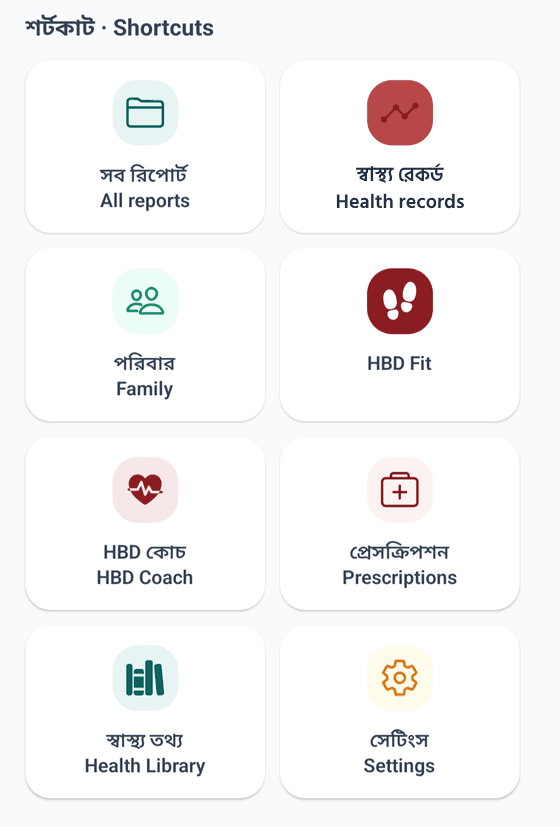
Tap Health records in the Home shortcuts.
In My readings, tap Add a reading to write down your sugar or BP. Choose fasting or after food for sugar.
At the doctor's, tap Show your doctor: the last 2 weeks, 4 weeks or 3 months of readings on one page, ready to share on WhatsApp.
Below, Results from your reports shows how each test changed over time.
To count your walking, tap HBD Fit on Home.
Tap Connect and allow access when the phone asks.
To send a report to family, tap Share on the results page.
Tips
- Health records and HBD Fit are free for everyone.
- HBD Fit reads only your step count, nothing else.
- Steps count only while the phone is with you, not on a table or charging.