
All guides
Family reports
What you'll do
You'll connect with someone in your family and share reports.
Step by step
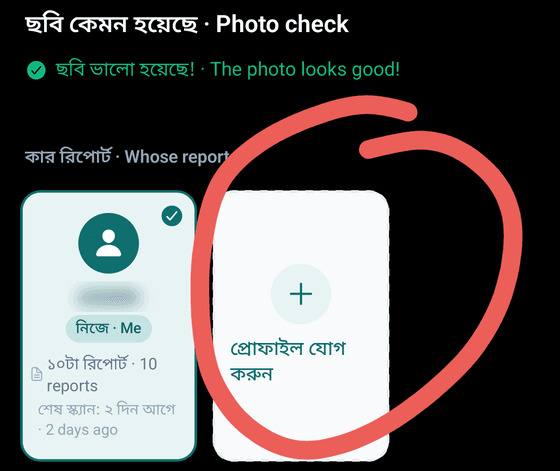
Scanning a parent's or child's report? Under Whose report is this?, pick them, or tap Add profile.
In the Home shortcuts, tap Family.
Tap Invite family.
Enter their Phone number, choose the Relationship, then tap Invite.
When they open HBD on their phone and tap Accept, you're connected.
Open a report, tap Share, then tap the name of the person to send it to.
Reports your family sent you are in Shared with me.
Tips
- The free trial and the Family pack hold up to 4 profiles (you and family), each with their own records. Scan and question limits are for the whole account.
- Sharing with family is free for everyone.
- Choose what each person can do: tap Edit next to Permissions.
- No report goes to anyone unless you send it.